Fashion is constantly evolving.
First method :
7 views created with 1 personal drawing
1/10 scale
The use of artificial intelligence for creating and improving fashion designs is a new step that fashion designers must take if they want to present projects on time with impeccable quality.
Selected AI Server: OpenAI
- Improved creation speed for increased production
- Improved precision in creating fashion designs
- Creation assistance to enhance presentation models.
There are two ways to create views.
First method:
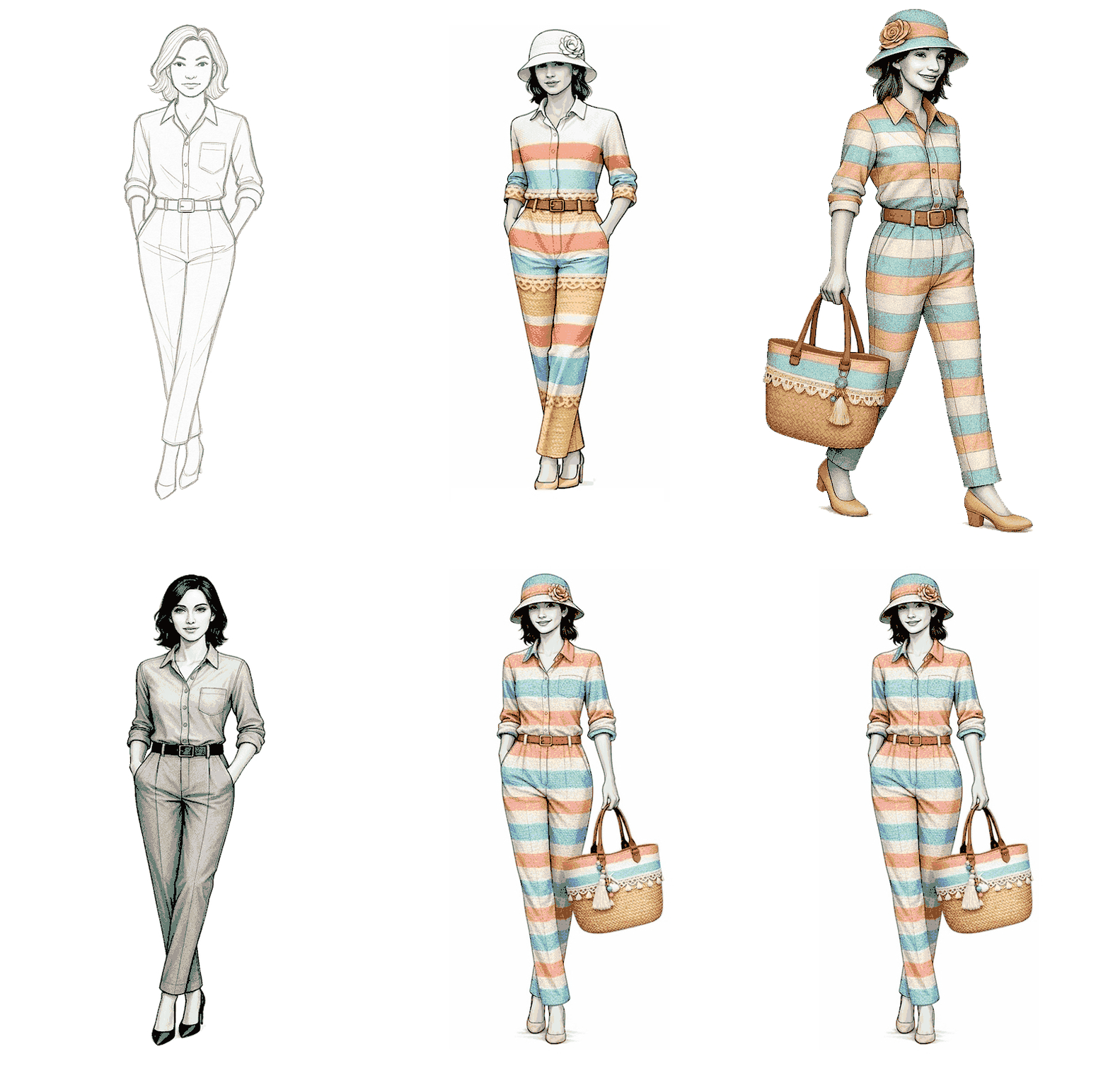
Start with a personal drawing and modify it by adding elements or presenting it in different ways, such as changing the viewing angle.
Second method:
Ask the AI to create the initial drawing—whether it's a model, a garment, or any other design—based on elements provided as a prompt, and modify it (additional prompt) as the result is obtained.
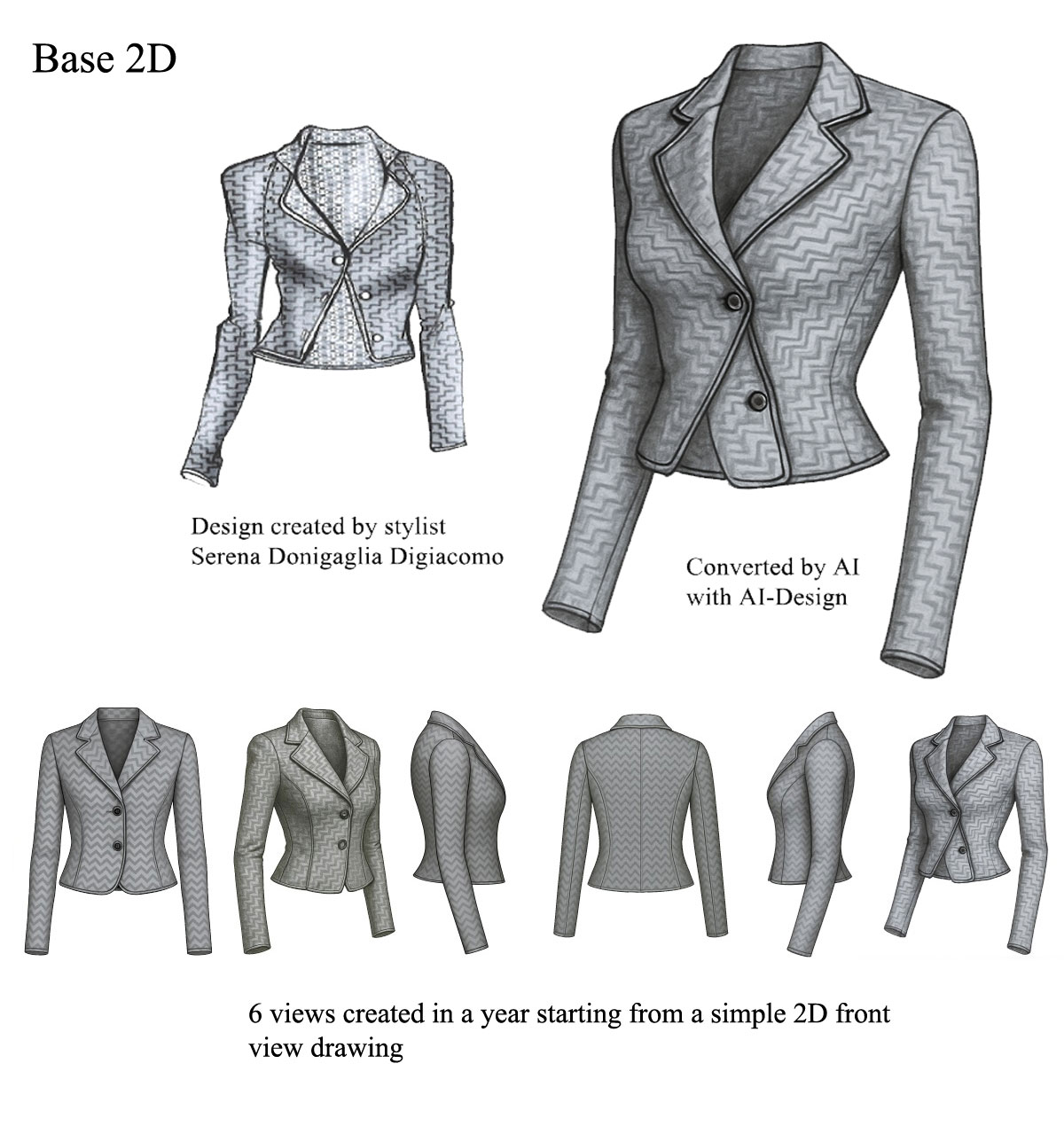
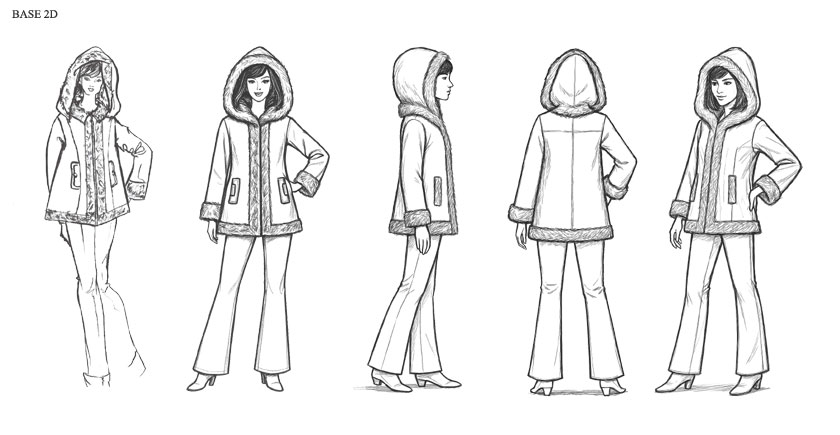
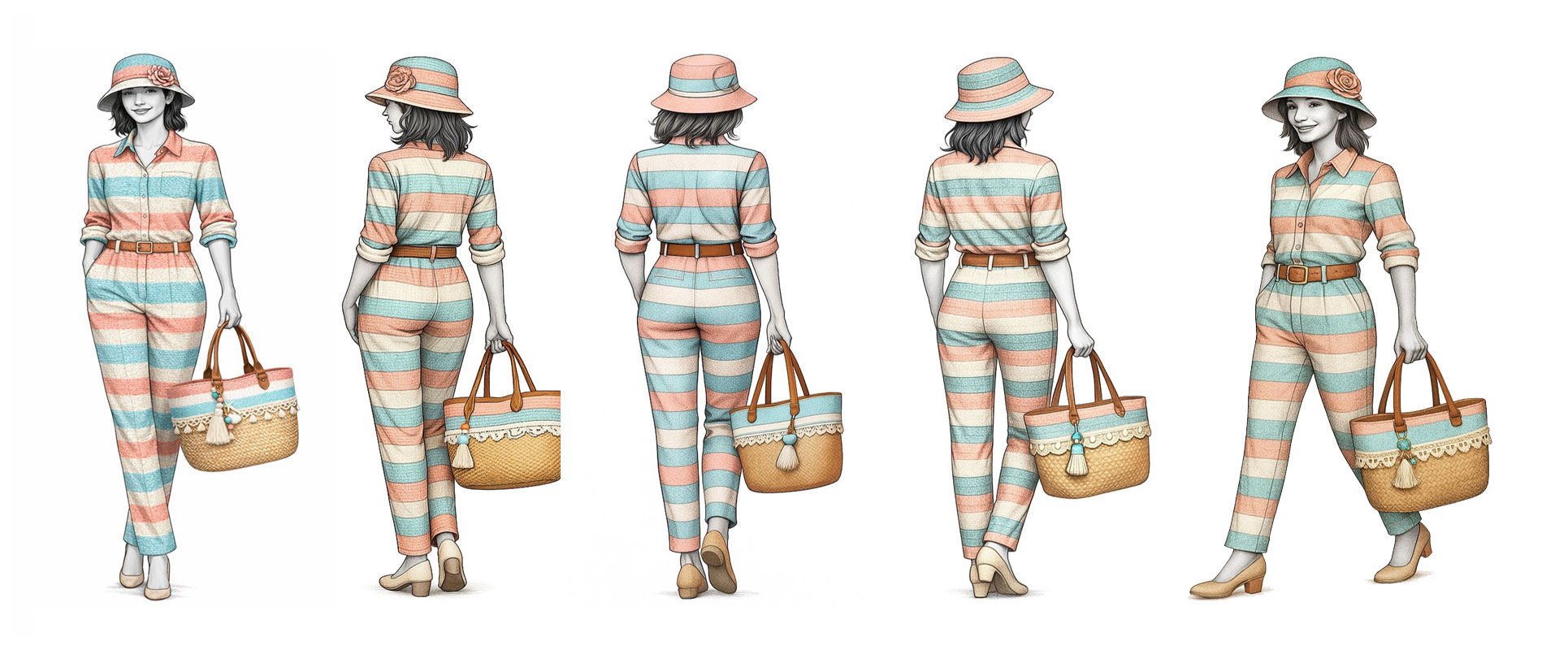
Starting with a front view drawing, it's easy to request A-I-Design to create views at different angles with a simple written command. First, the front view was automatically converted into a 3D image, which was then asked to create views at different angles—here, seven front, side, and rear views.
Example of a prompt for creating a 30-degree view:
- Import the front view drawing into A-I-Design.
- Prompt: Create a 30-degree side view.
Creation time by A-I-Design for each view: 1 to 2 minutes
First method :
Starting with a front view drawing, it's easy to request A-I-Design to create views at different angles with a simple written command. First, the front view was automatically converted into a 3D image, which was then asked to create views at different angles—here, seven front, side, and rear views.
Example of a prompt for creating a 30-degree view:
- Import the front view
- drawing into A-I-Design.
- Prompt: Create a 30-degree side view.
First way to use AI.
Start with a personal 2D (Base 2D) and request several different views to improve the presentation.
Creation time by A-I-Design for each view: 1 to 2 minutes
Selected AI Server: OpenAI




Drawing or Image Quality
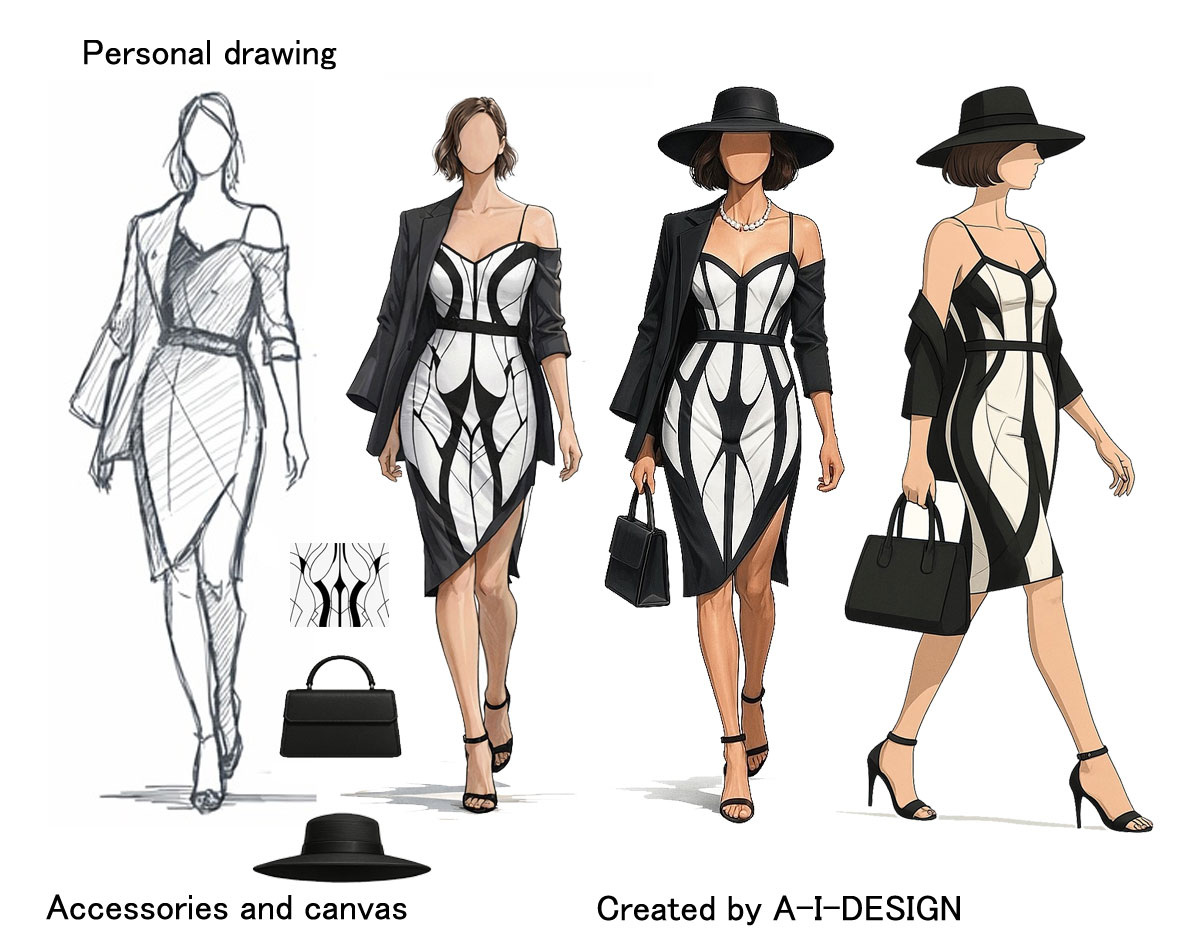
You can achieve drawing quality by specifying a precise artistic style in the prompt (illustration, sketch, pencil drawing, comic book style) and describing the lines, textures, and type of graphic rendering desired.
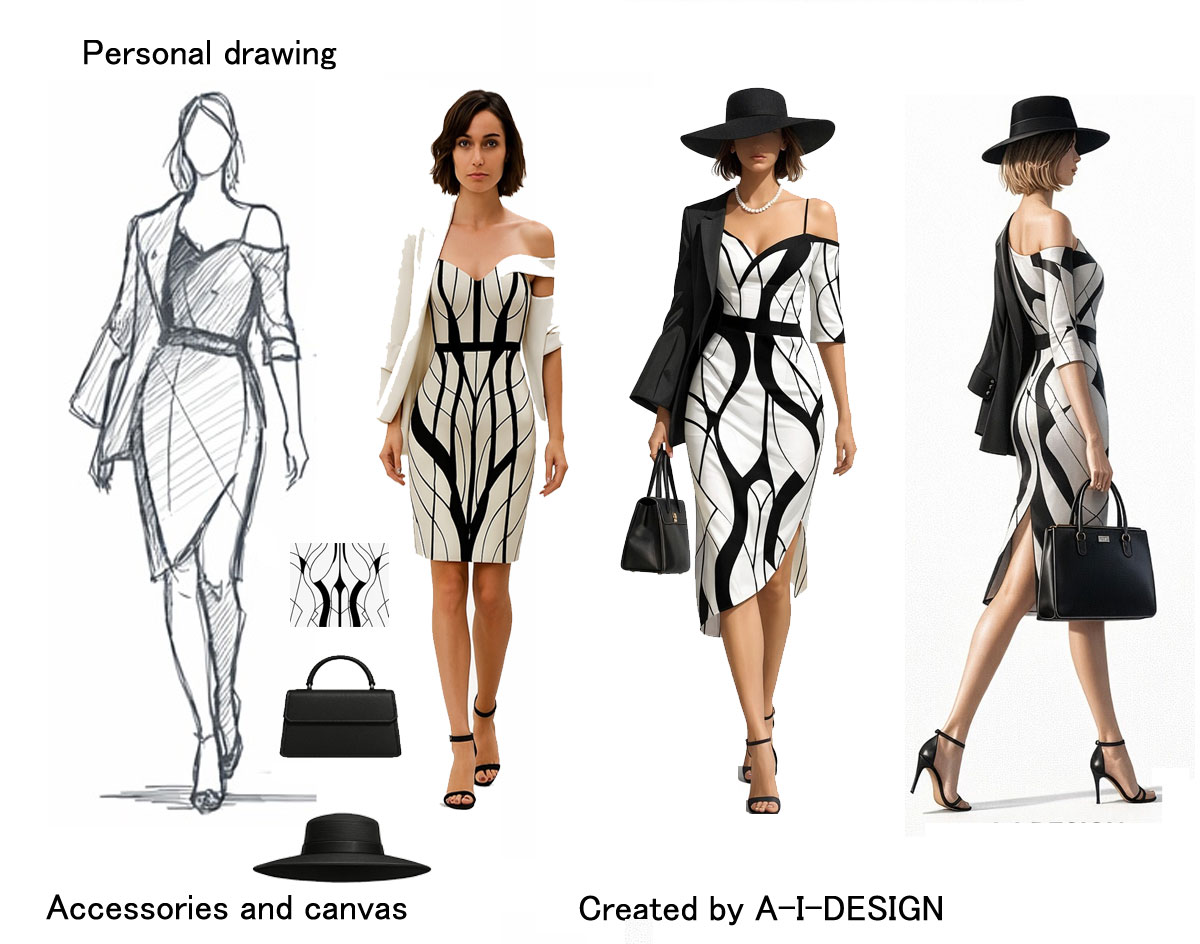
For realistic image quality, you must specify photographic elements such as lighting, depth of field, resolution, realistic details, or photo-like rendering. Therefore, the more information the prompt contains about the style, technique, and level of detail, the closer the result will be to the desired visual quality..
Drawing Quality
Image Quality
Help with creation
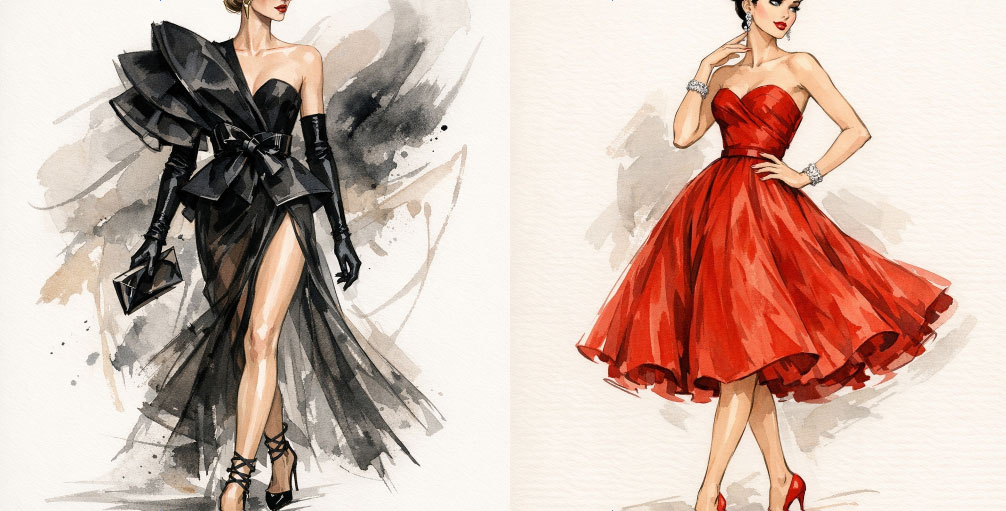
Example of a presentation designed to highlight two classic fashion designs renowned for their timeless elegance and importance in fashion history. These designs serve as essential references for clothing creation and learning about fashion design. Artificial intelligence can suggest or guide a fashion designer in the creation of these designs.
Selected AI Server: OpenAI
3D conversion from a 2D drawing transforms a graphic intention into a legible and immersive volume, while respecting the original style. It improves understanding, accelerates iterations, facilitates decision-making, and strengthens the visual impact of projects from the earliest design phases.
Creation time by A-I-Design for each view: 1 to 2 minutes
Selected AI Server: OpenAI
Mode 1 drawing is based on a simple yet powerful principle: starting with an existing personal drawing and applying modifications guided by a text prompt. The user first imports their creation—whether it's a sketch, a colored illustration, or a finished image—and then provides a precise instruction describing the desired transformations. The system simultaneously analyzes the original image and the provided text to interpret the requested adjustments.
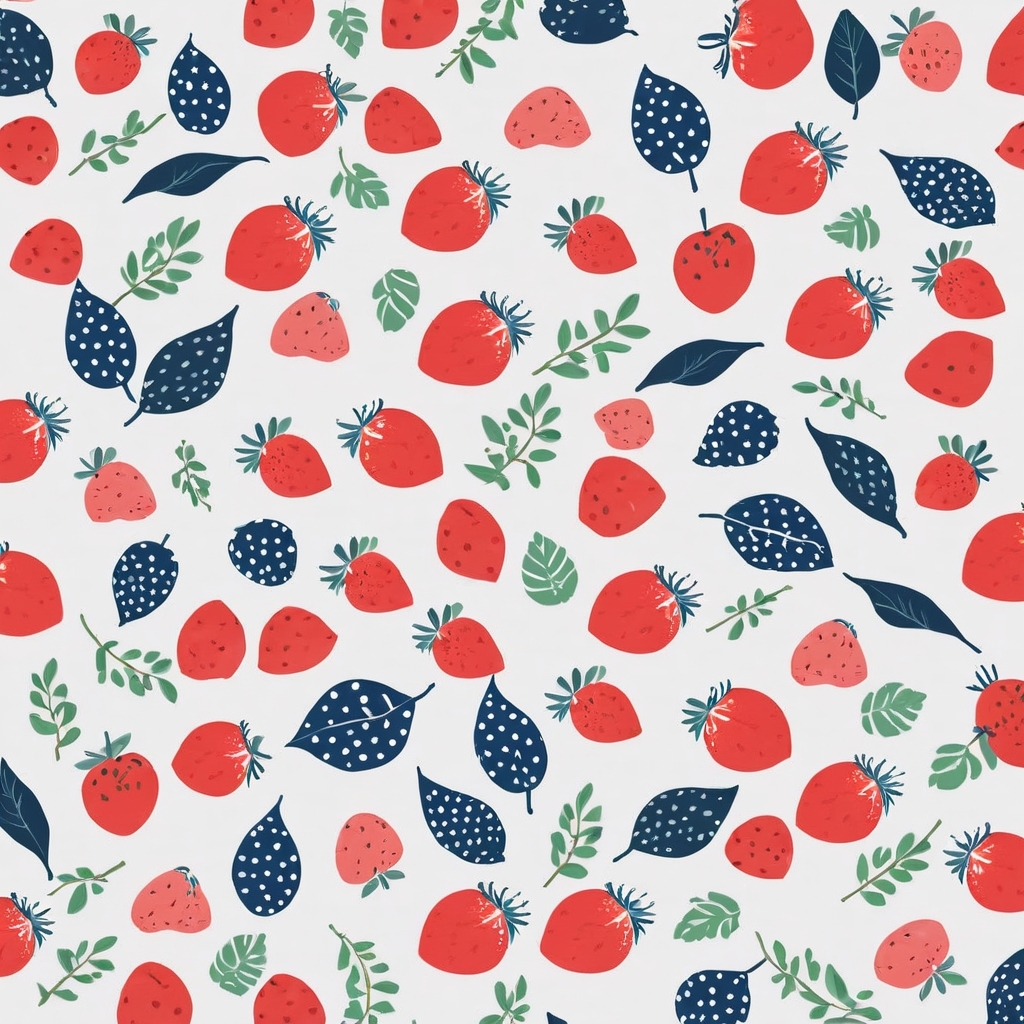
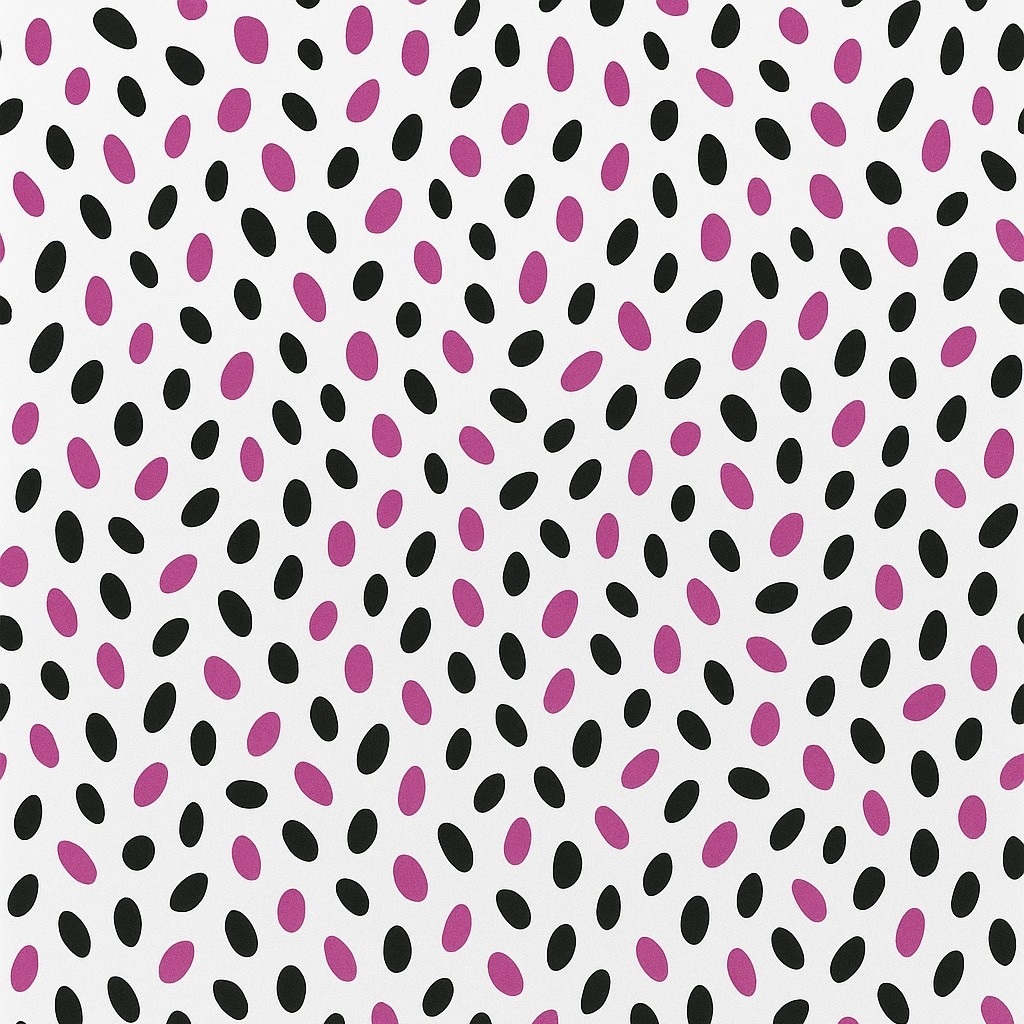
Mode 2 drawing introduces a more elaborate approach by allowing the simultaneous use of two distinct drawings. The first constitutes the base drawing: it serves as a model, the main structure, or a visual support. The entire composition rests on this foundation. The second drawing acts as a complementary element, which can take the form of a stylistic canvas, a texture, a motif, or even an accessory intended to enrich the initial image.
Both Mode 1 drawing and Mode 2 drawing incorporate a particularly useful feature after assembling a canvas or accessory onto a model or support: the ability to rotate the image. Once the elements are combined, the user can rotate the entire assembly to examine the project from different angles. This rotation is not merely a visual effect; it allows users to appreciate the coherence of the volumes, the alignment of the added elements, and the overall balance of the composition.

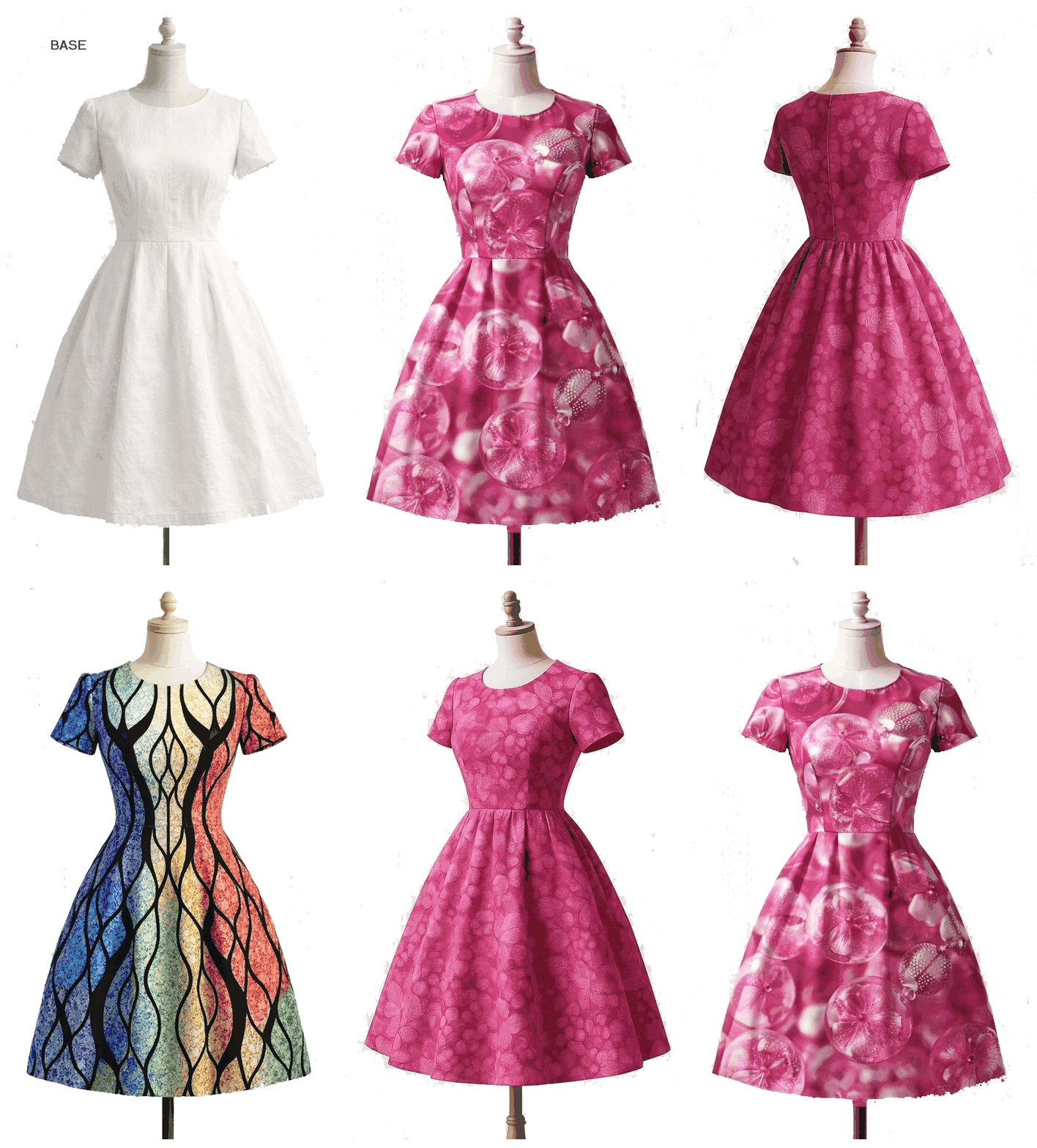
Starting with a pre-colored base image, the process becomes particularly fluid and efficient. Simply select an initial canvas—whether it's an artistic style, a specific texture, or a particular graphic rendering—and then apply it directly to the original image. The algorithm automatically analyzes the existing hues, contrasts, and volumes to integrate the new canvas seamlessly, without altering the overall balance of the composition.
Selected AI Server: OpenAI
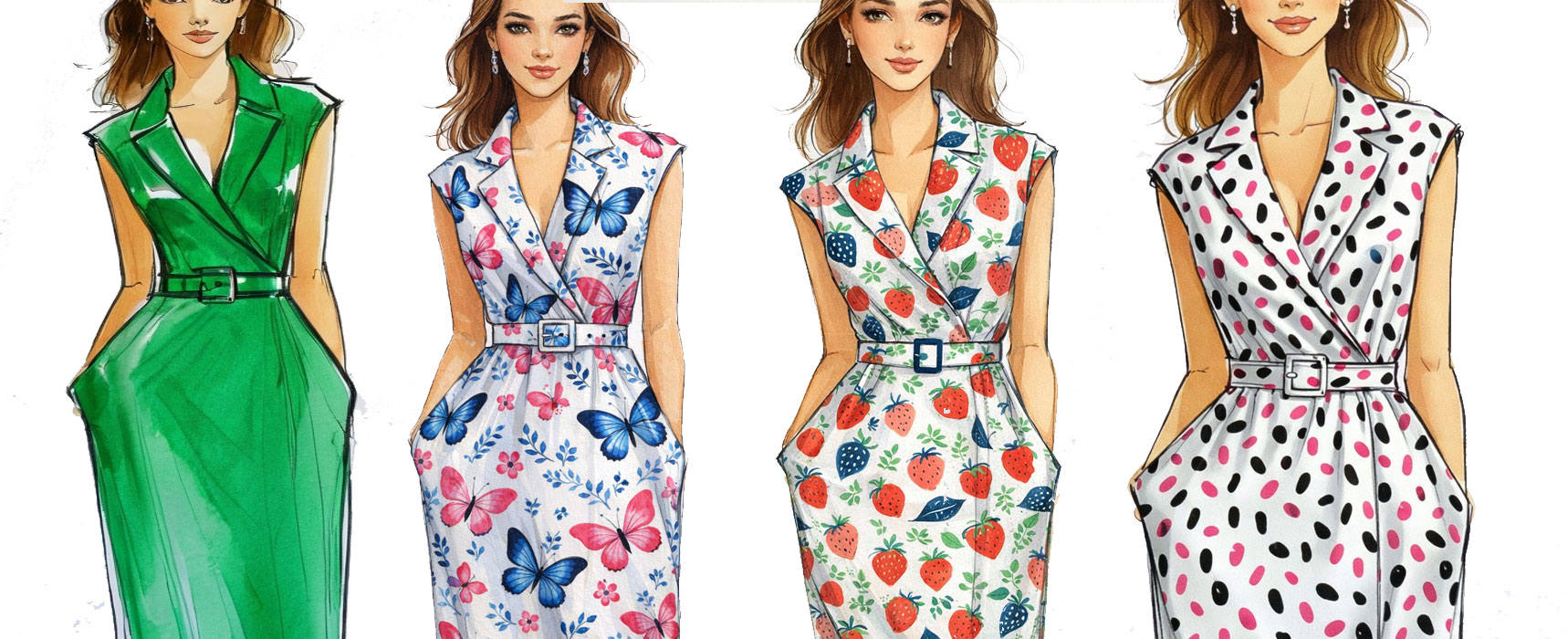
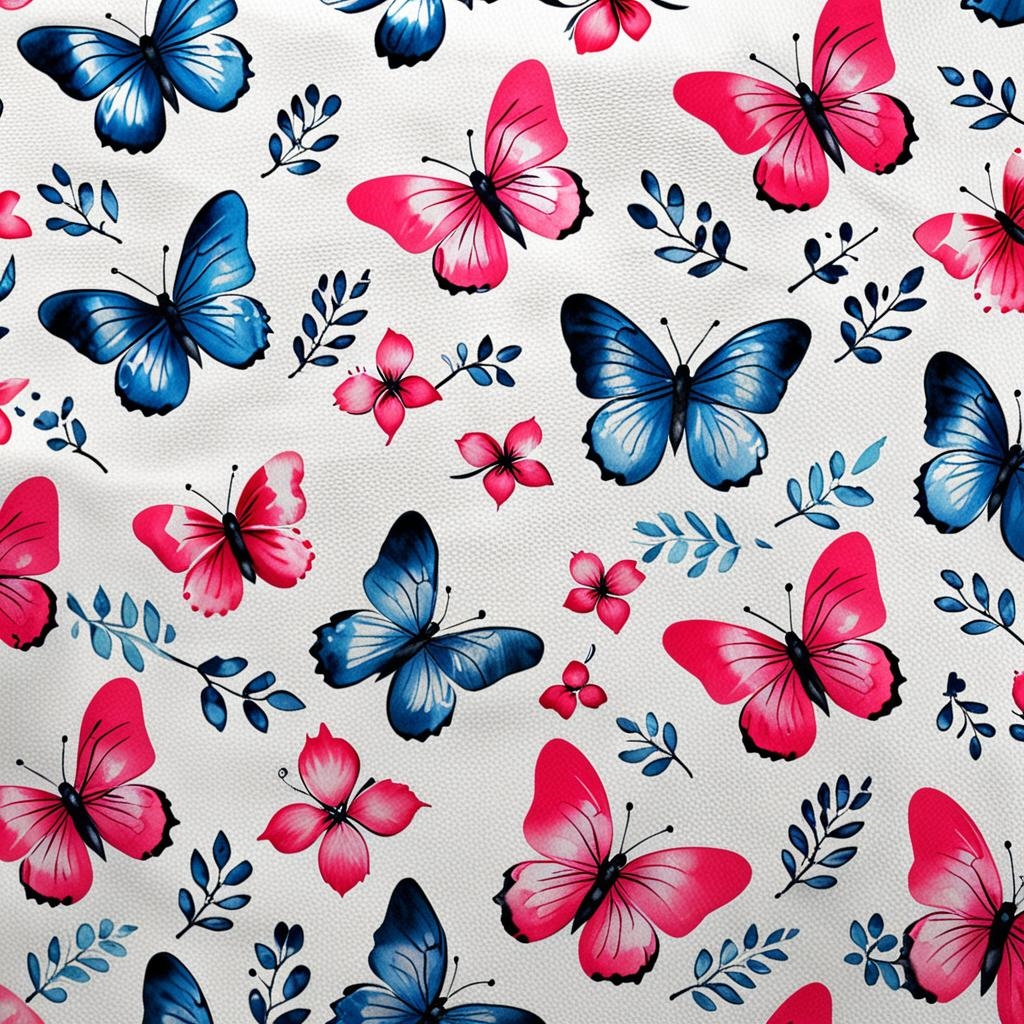
Basic background color
Filling canvas
Filling canvas
Filling canvas
Basic drawing with complex volumes.
Note the quality of the canvas filling, regardless of the undulations in the basic outline.
Completion time approximately 2 minutes.
Second method:
An AI Server Other Than OpenAI
Starting with a front view sketch, it's easy to ask A-I-Design to create views from different angles using a simple text command. The front view was first automatically converted into a 3D image, from which the software then generated views from various angles: here, seven front, side, and back views.
Example command for creating different views:
Import the front view drawing into A-I-Design.
Command: Create a 30-degree side view.
Add a title.
Etc.
10 views created from an AI-generated drawing.
Scale 1/10
Starting with a front view sketch, it's easy to ask A-I-Design to create views from different angles using a simple text command. The front view was first automatically converted into a 3D image, from which it was then asked to create views from different angles: here, seven front, side, and back views.
Example prompt for creating different views:
- Import the front view drawing into A-I-Design.
- Prompt: Create a 30-degree side view.
- Add a heading
- etc...
10 views created from an AI-generated drawing
Scale 1/10
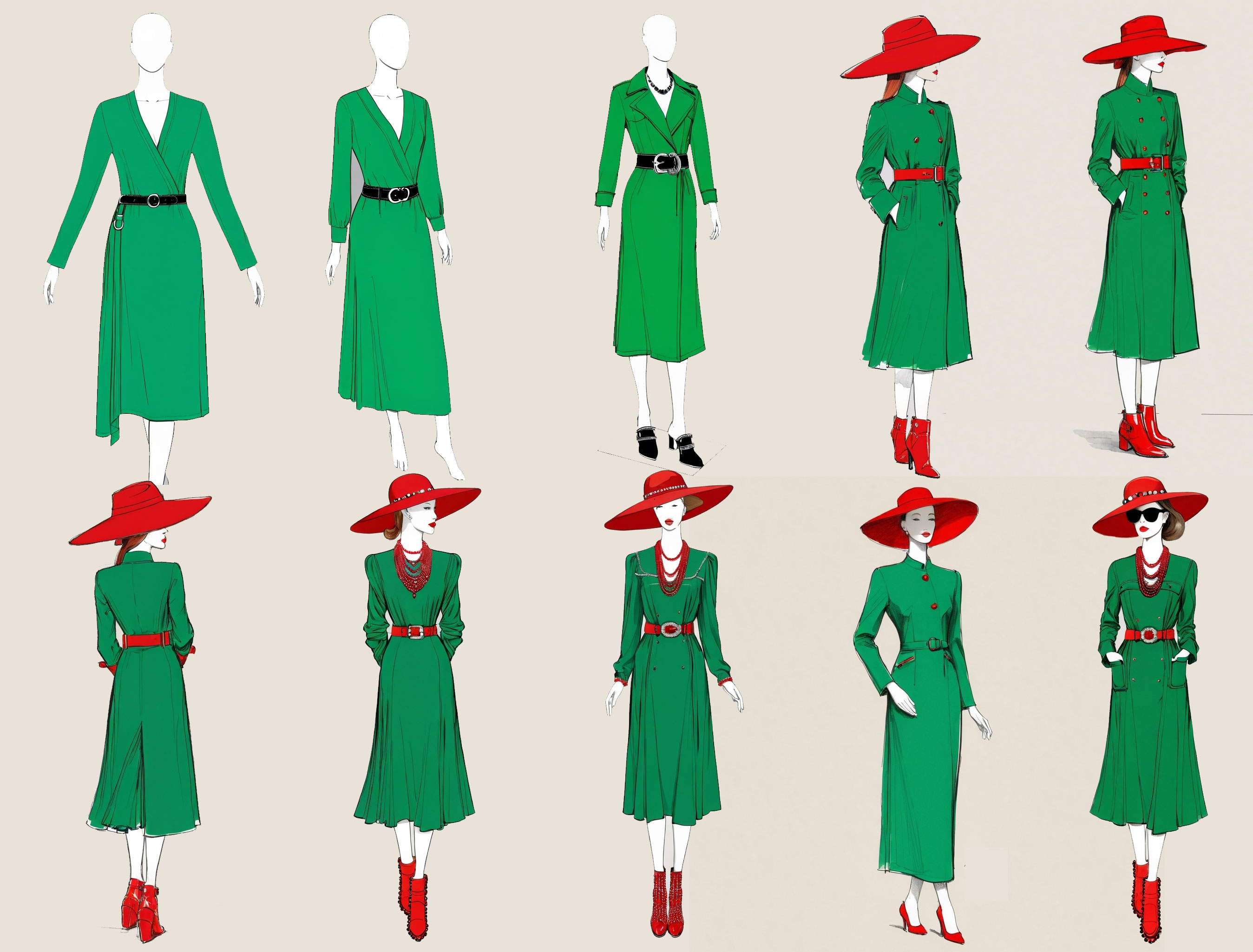
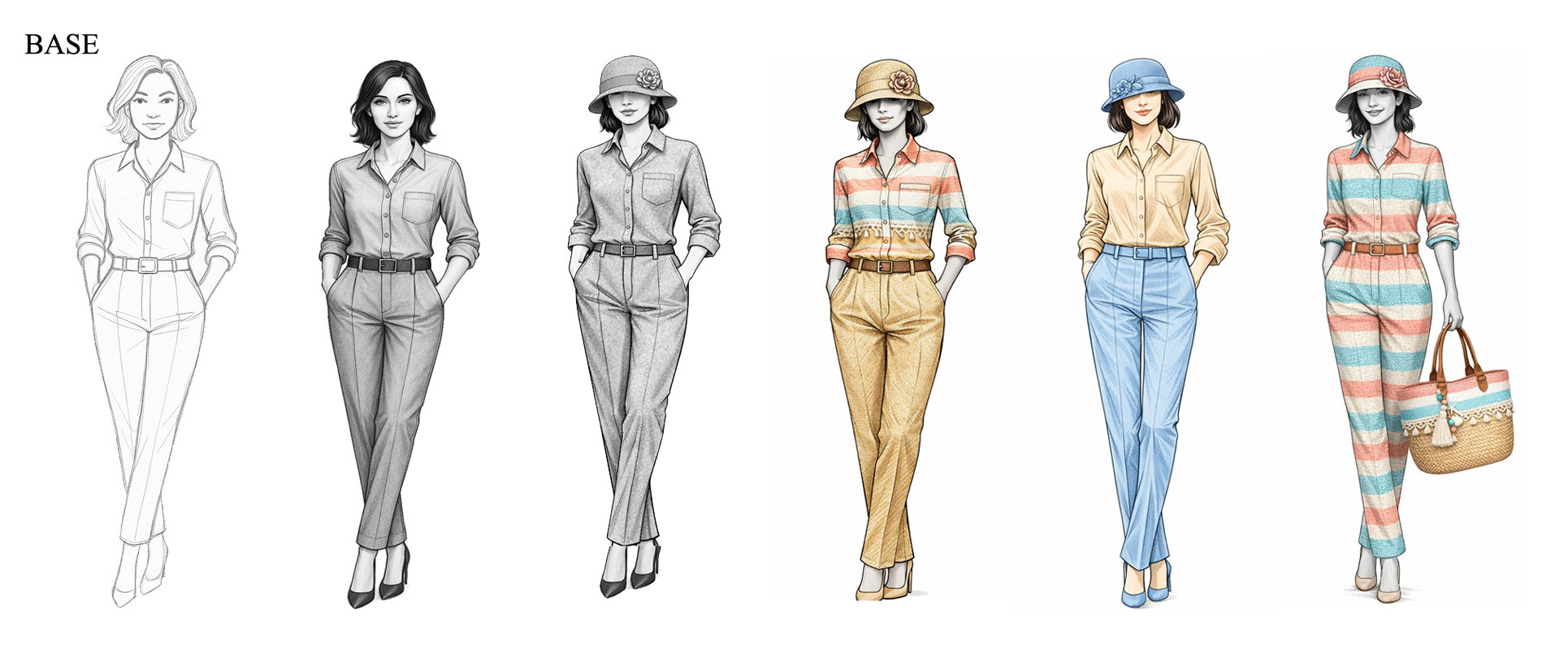
In the second method, we asked the AI to create a base model that we would use as a foundation for building the other views. Each view created from this base drawing was generated via a prompt specifying certain additions:
Example of Prompt:
- Add a belt
- Add a necklace
- Add a pair of shoes
- Add a hat
Then, we asked the AI to rotate the base view at different angles, allowing us to obtain side, front, and profile views, depending on the specified angle.
Draw a fashion designer sketch of a model wearing an elegant green dress
- with two long sleeves
- a red hat
- a pair of red high-top shoes
- a wide red belt
Creation time by A-I-Design for each view: 1 to 2 minutes