
Create a Canvas for a Fashion Design
Artificial intelligence enables the design of canvas patterns as true tools for structuring fashion design. Starting from a graphic intention or an existing style, it generates coherent grids that organize surfaces, highlight volumes, and facilitate the understanding of the garment. These canvases can be quickly adapted, adjusted, or modified for different models, all while respecting the designer's visual identity. By linking creative exploration and technical understanding, AI transforms the canvas into a support for design, projection, and optimization of the creative process, without ever replacing human vision.
To facilitate the filling of the canvas into a garment, A-I-Design tools offer several views of the mannequin or garment, each revealing specific selectable areas. This allows for precise work based on the angle and structure of the fabric.
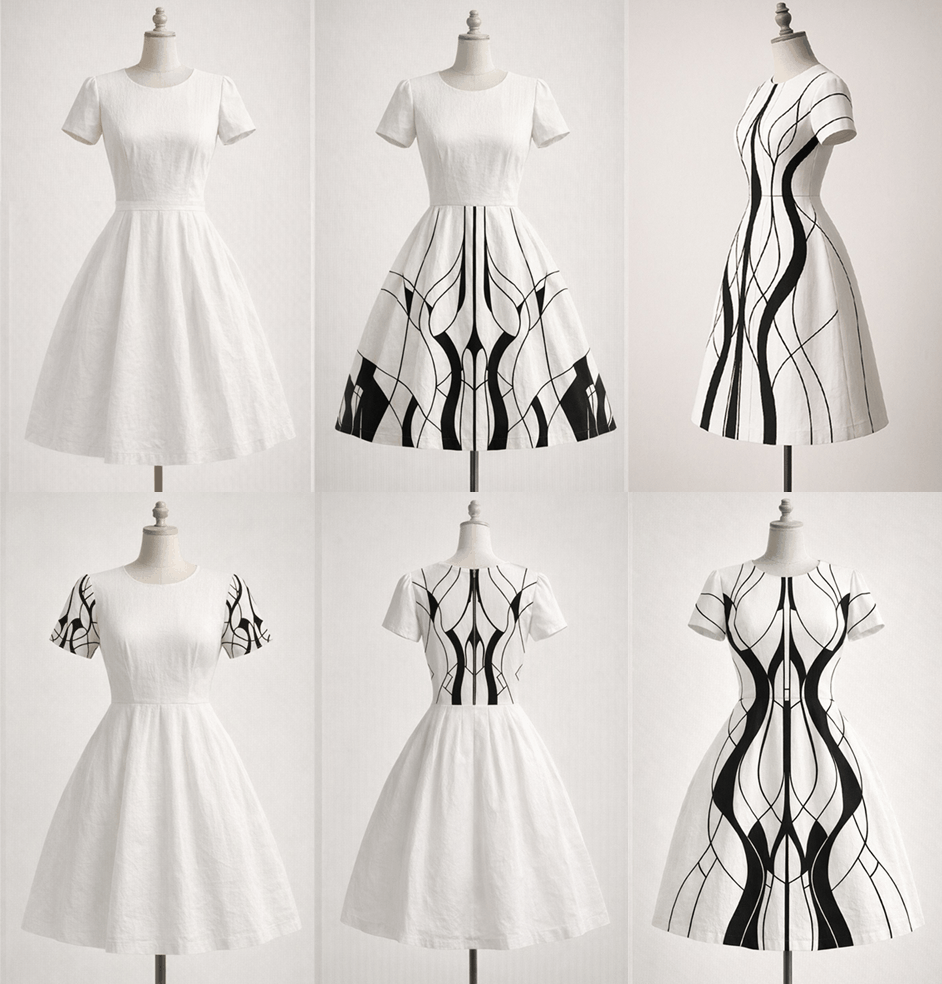
With A-I-Design V3.1, selecting areas of a garment or mannequin is greatly simplified thanks to automatic segment detection (bust, sleeves, back, etc.): the AI recognizes the contours and suggests areas ready for editing without complex manual work. Users can also refine this selection with intelligent tools (adaptive brush, click-based selection, or material selection), allowing for precise targeting of a surface, even on folds or irregular shapes.
Once the area is chosen, AI-assisted filling becomes seamless: simply specify a style, color, or pattern, and the algorithm generates a consistent rendering that automatically adapts to the perspective, volumes, and textures of the fabric. The AI also adjusts the seams between areas (for example, between the sleeve and bust) to avoid visual breaks.
The system also offers real-time previews, allowing users to quickly test several variations without altering the initial design. Finally, thanks to learning preferences, the tool suggests relevant fills (patterns, gradients, placements), which considerably speeds up the creation process while guaranteeing an aesthetic and professional result.
Garment
│
├── Pattern 1: Torso
│ ├── Front
│ └── Back
│
├── Pattern 2: Sleeves
│ ├── Left Sleeve
│ └── Right Sleeve
│
├── Pattern 3: Collar / Hood
│ ├── Outer Collar
│ ├── Inner Collar
│ └── Hood (if applicable)
│
└── Pattern 4: Finishing Touches
├── Cuffs
├── Hem
└── Borders
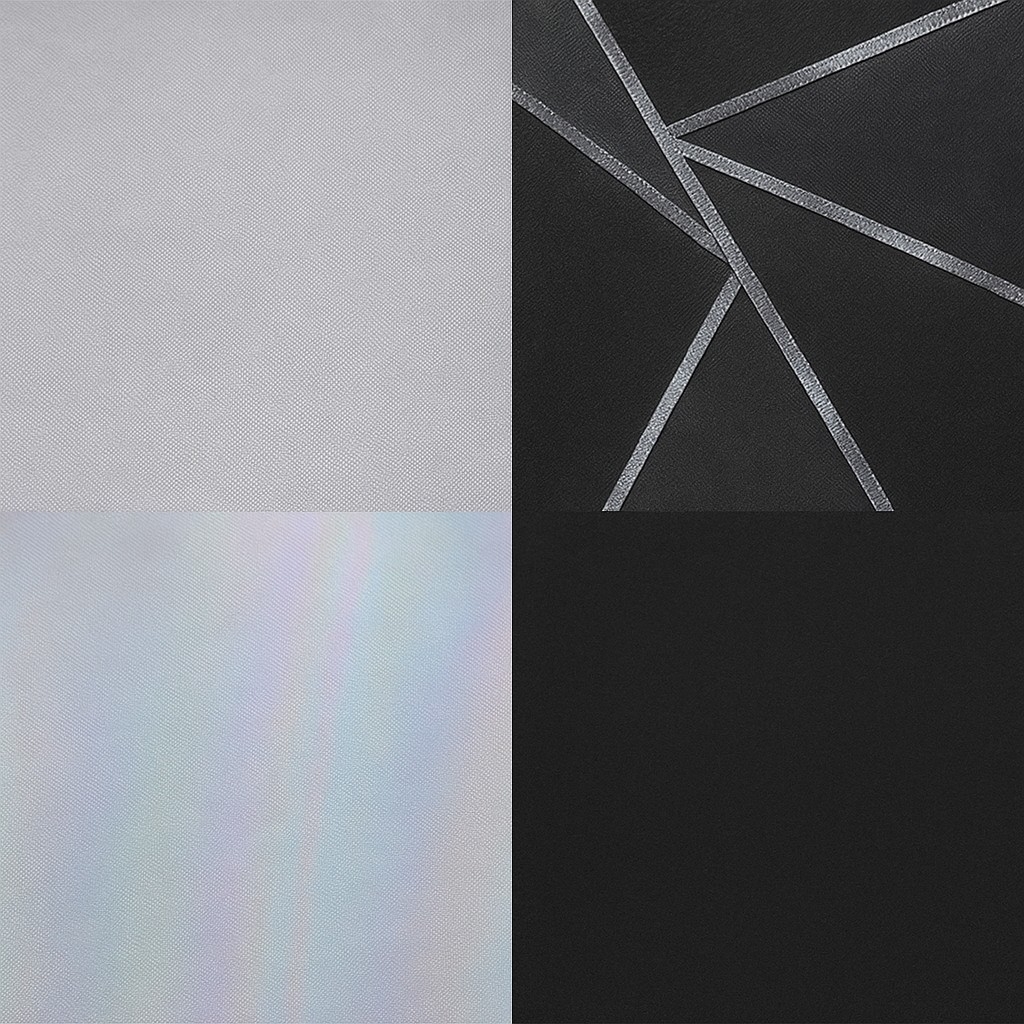
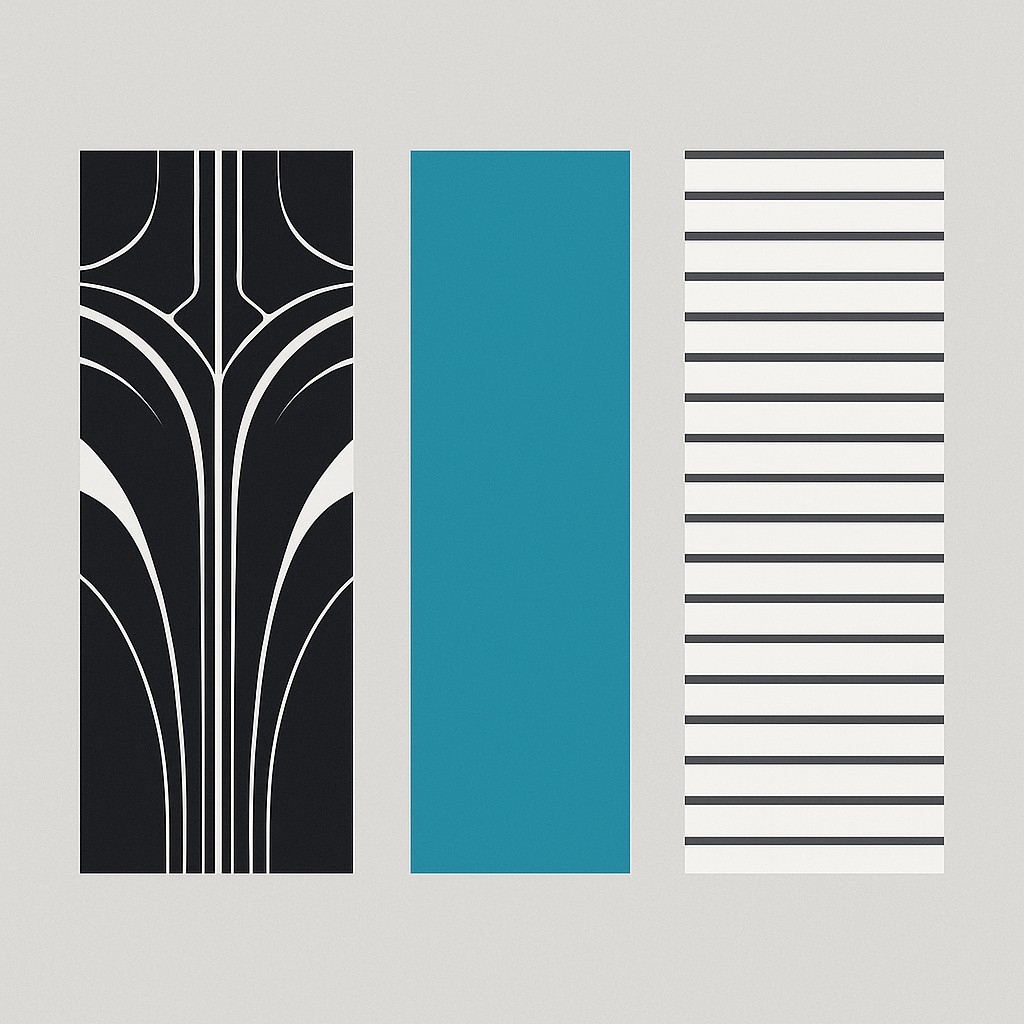
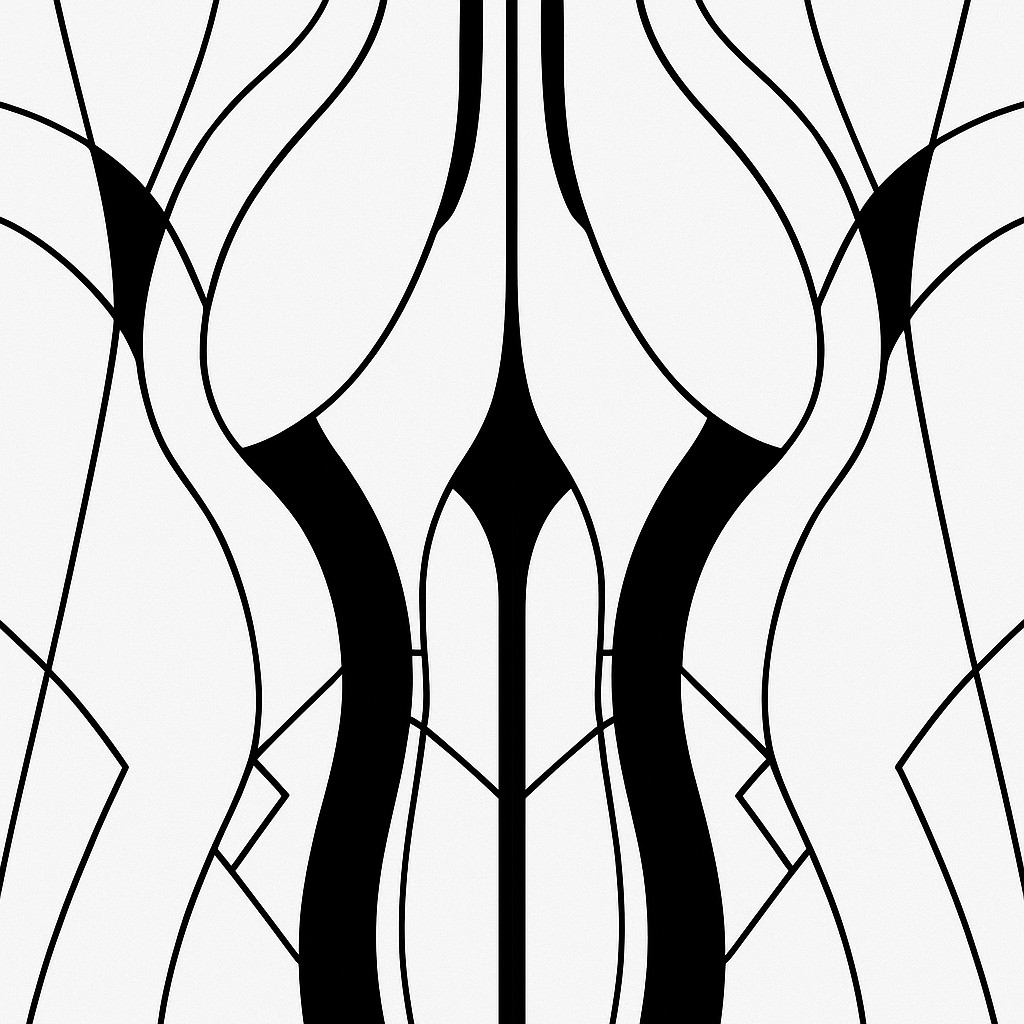
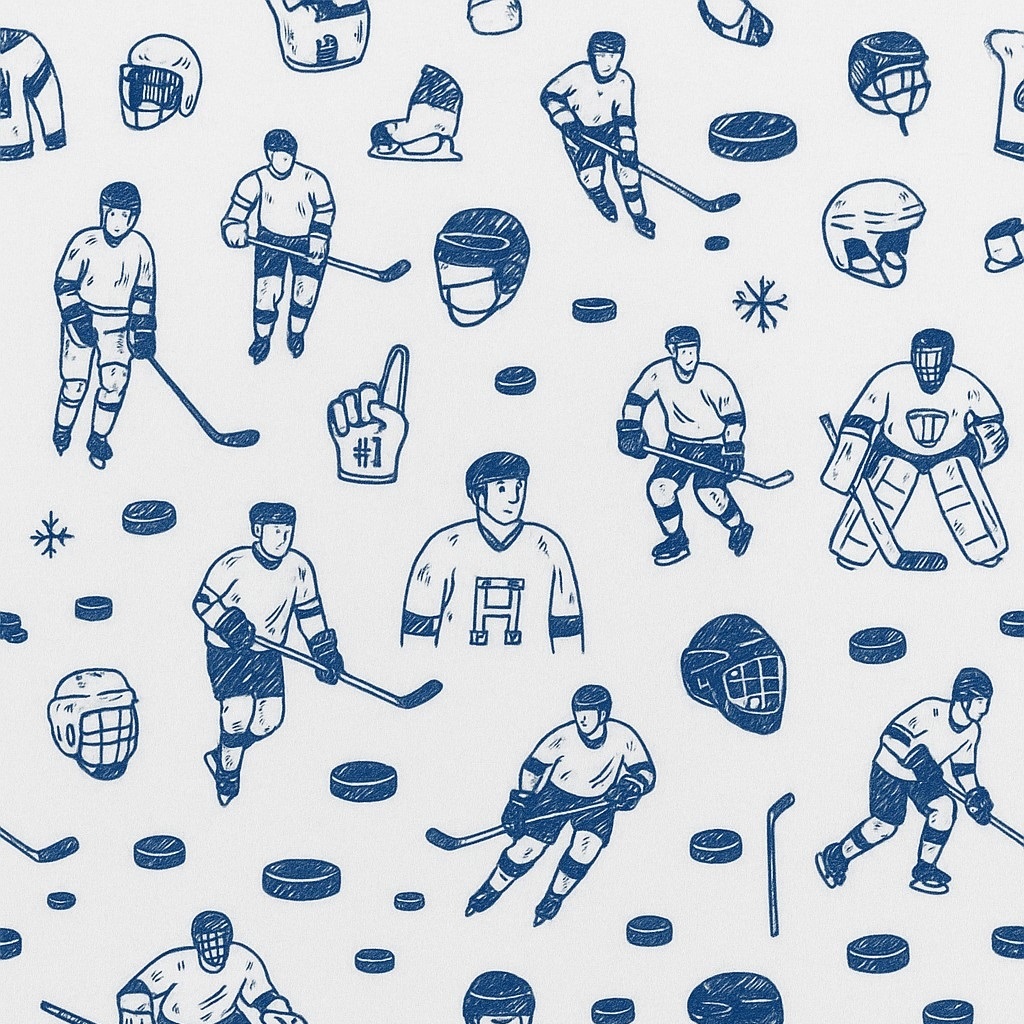
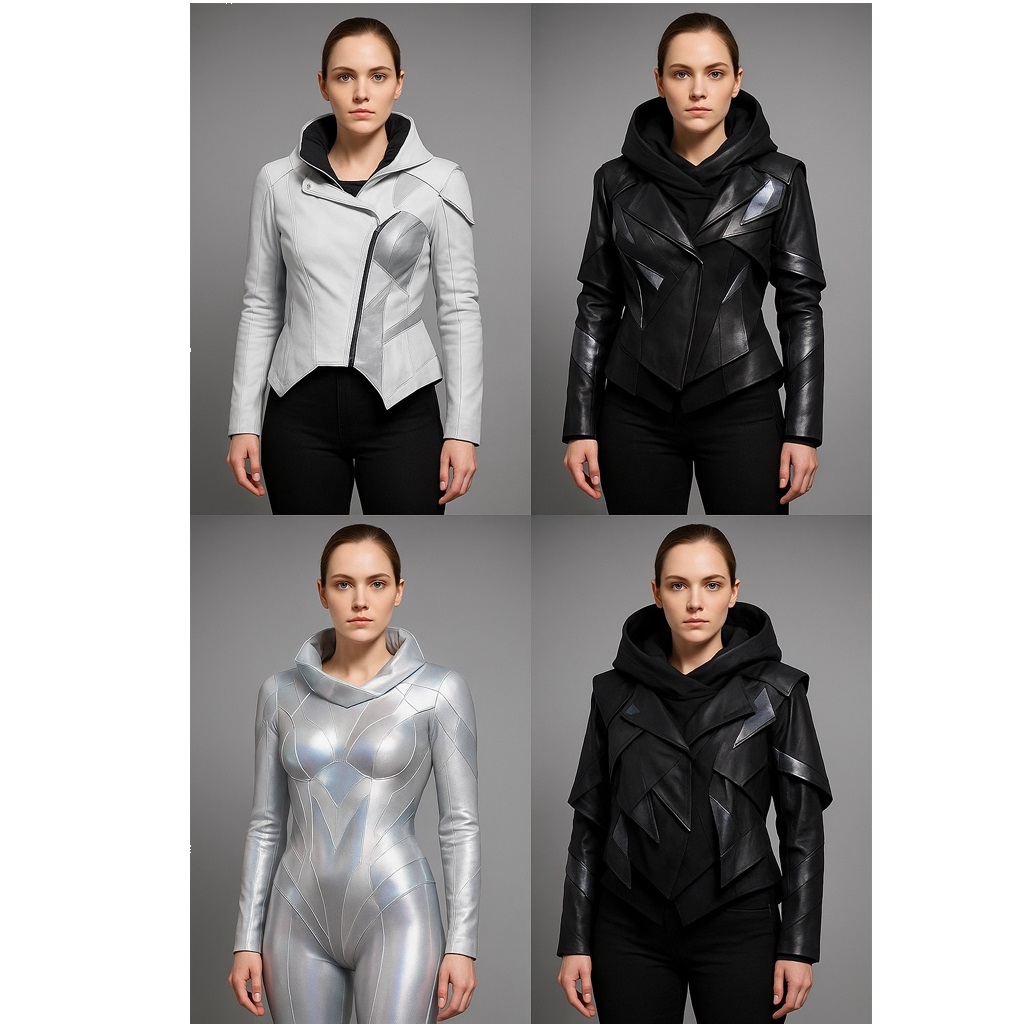
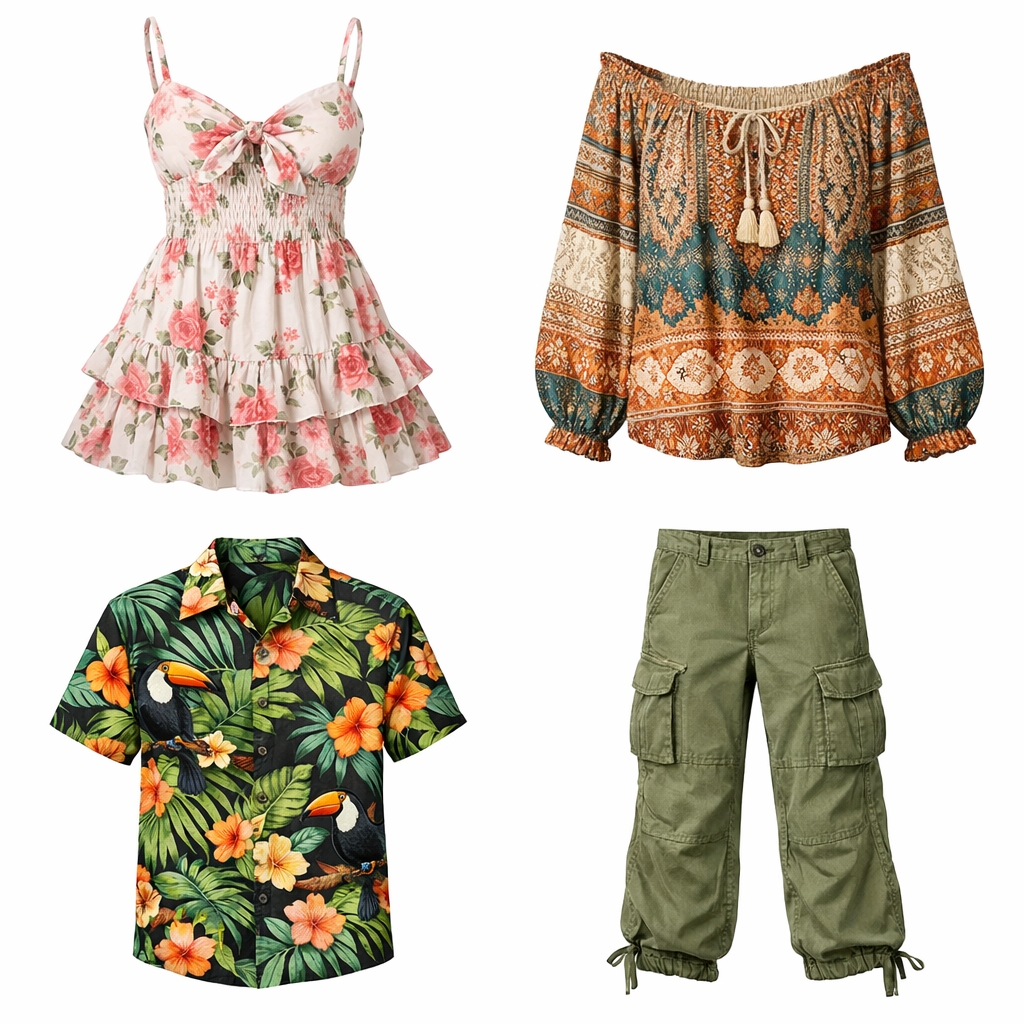
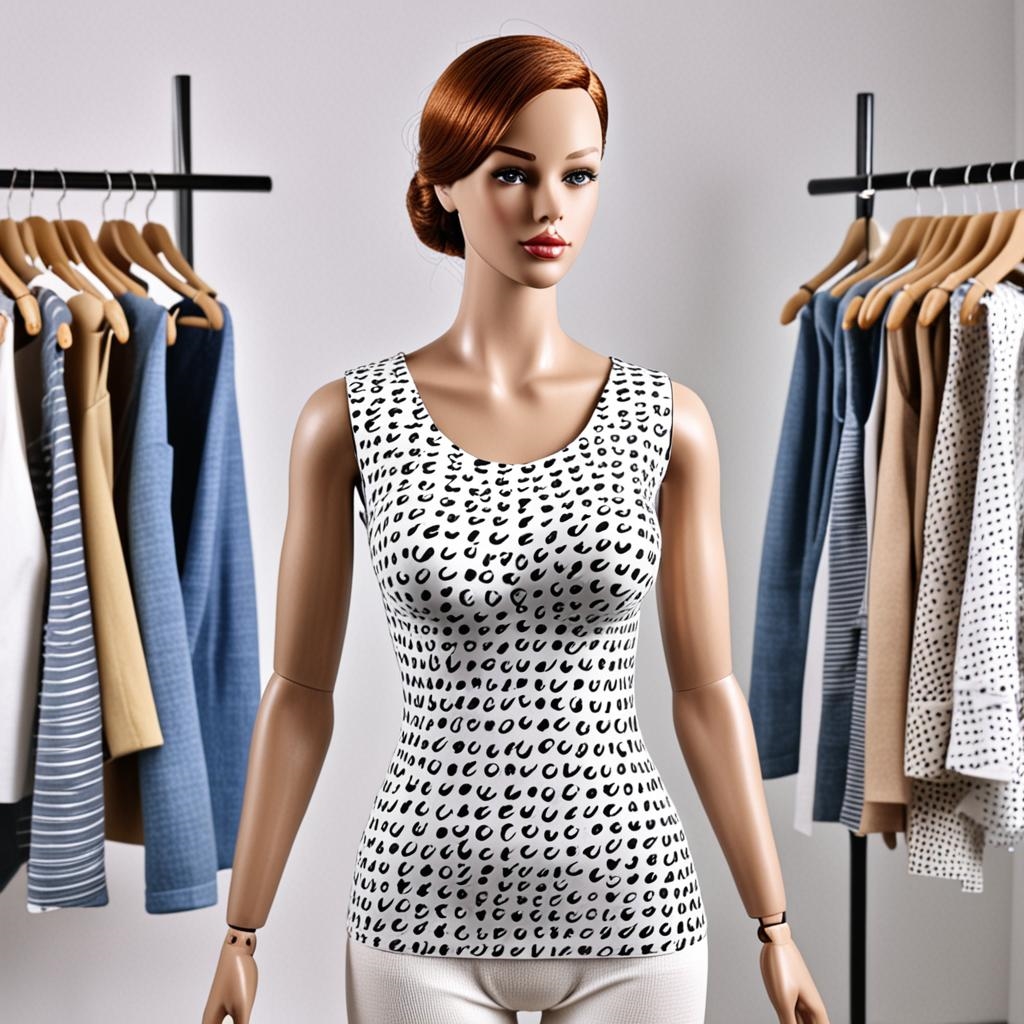
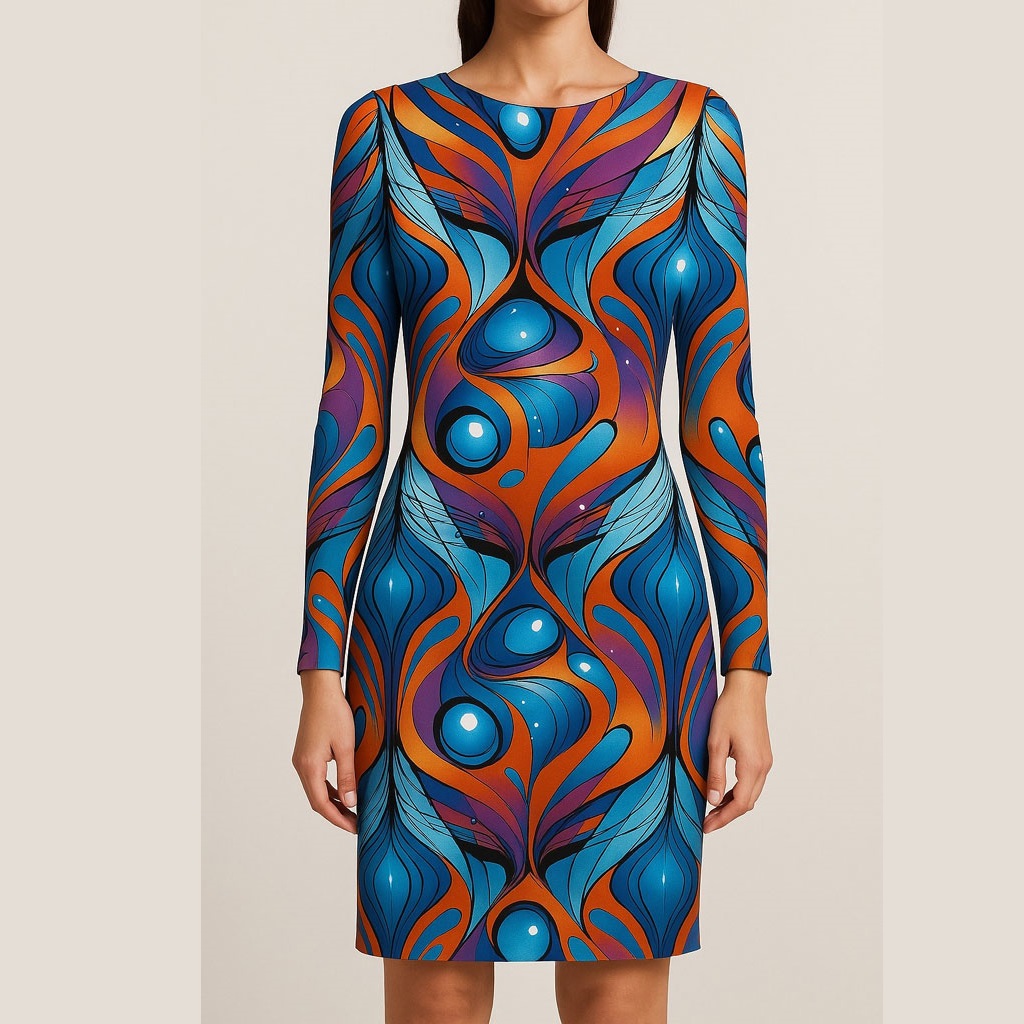
Above, the generated patterns were used to dress the models directly onto their garments. Applied to the different pieces, they allow for an immediate visualization of how the fabric will look in context, respecting the volumes, cuts, and aesthetic identity of each model.
Prompt used in AI-DESIGN
- Dress a garment model with this canvas.
- Can you give me a rectangular area of these fabrics
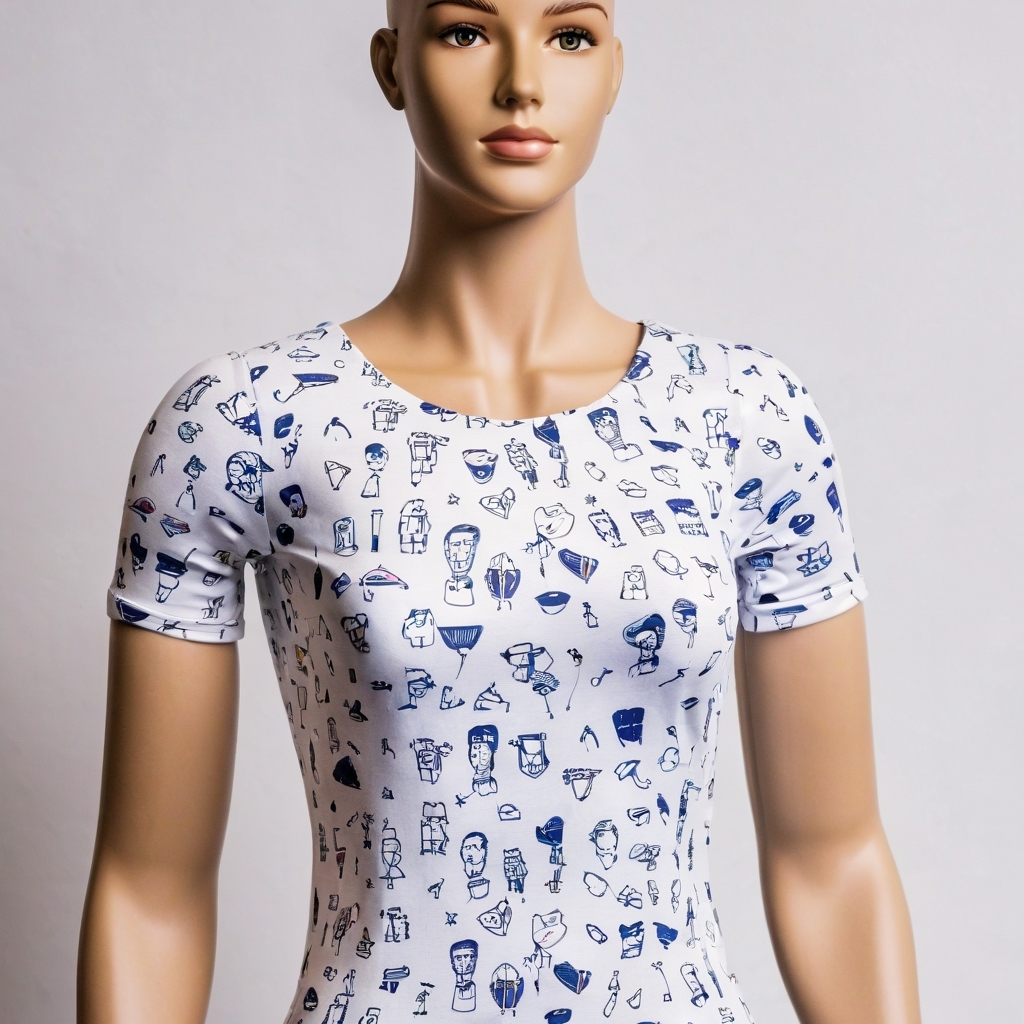
- habille un modèle de vêtement avec ce canevas
- habille un modèle de vêtement avec ce canevas
- habille un modèle de vêtement avec ce canevas
- habille un modèle de vêtement avec ce canevas
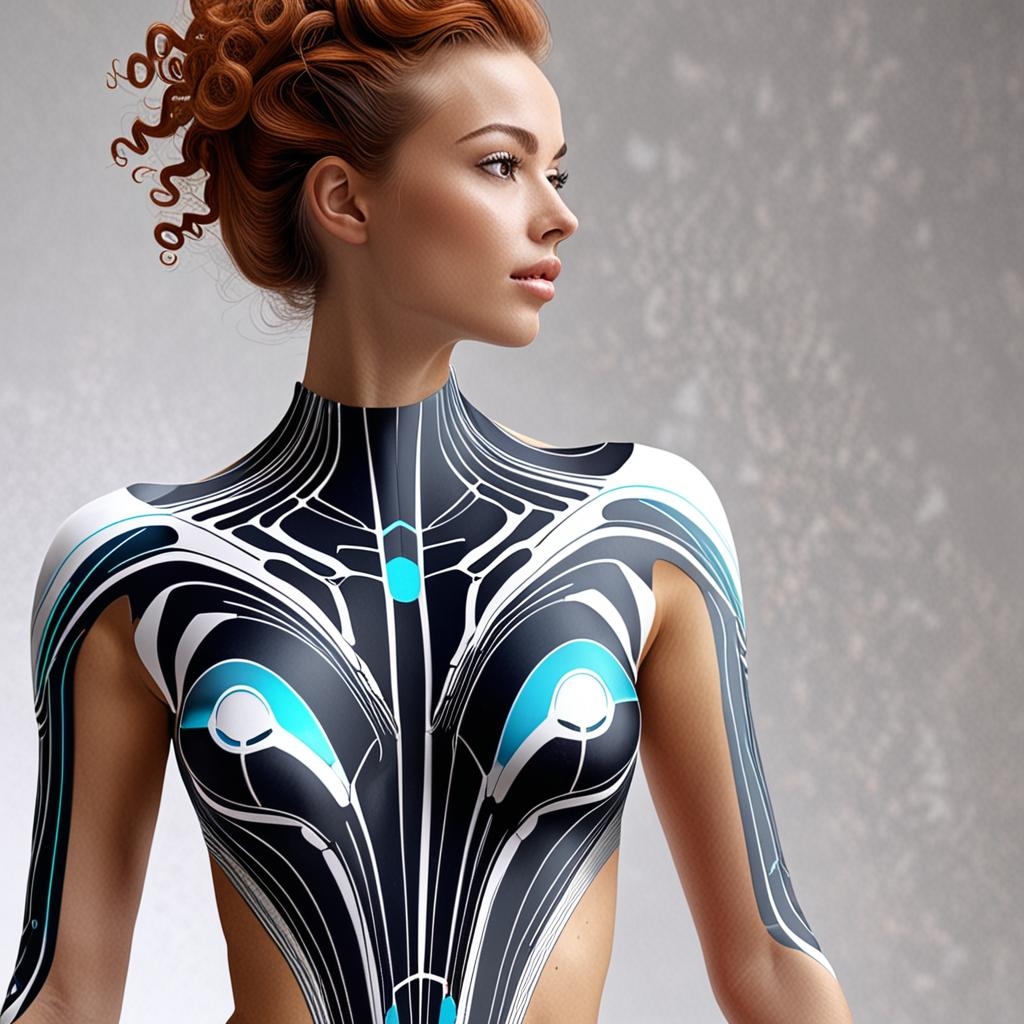
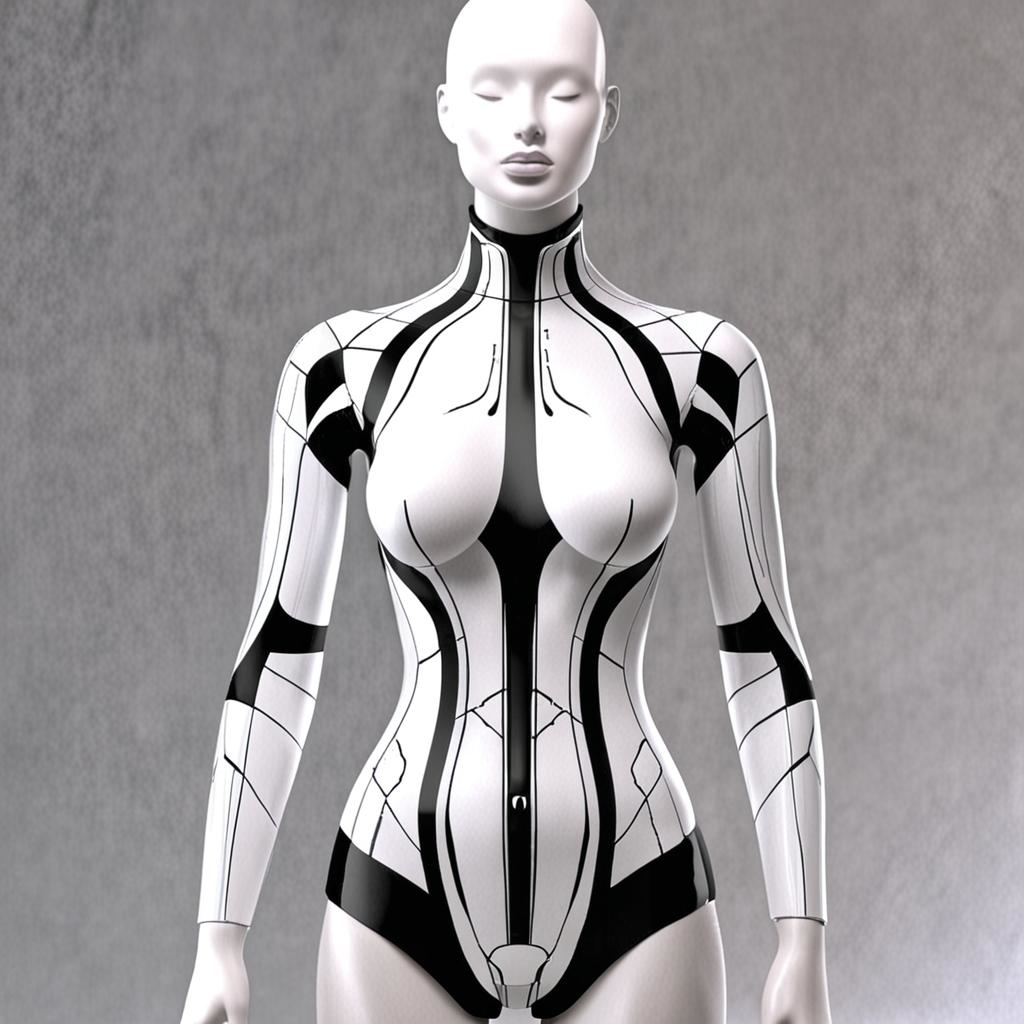
Today, simply defining a style—futuristic, classic, or modern—is all it takes to automatically create a visual template. This pattern can be applied to a mannequin to see the actual result, and then a specific section can be easily extracted for reworking or reuse.
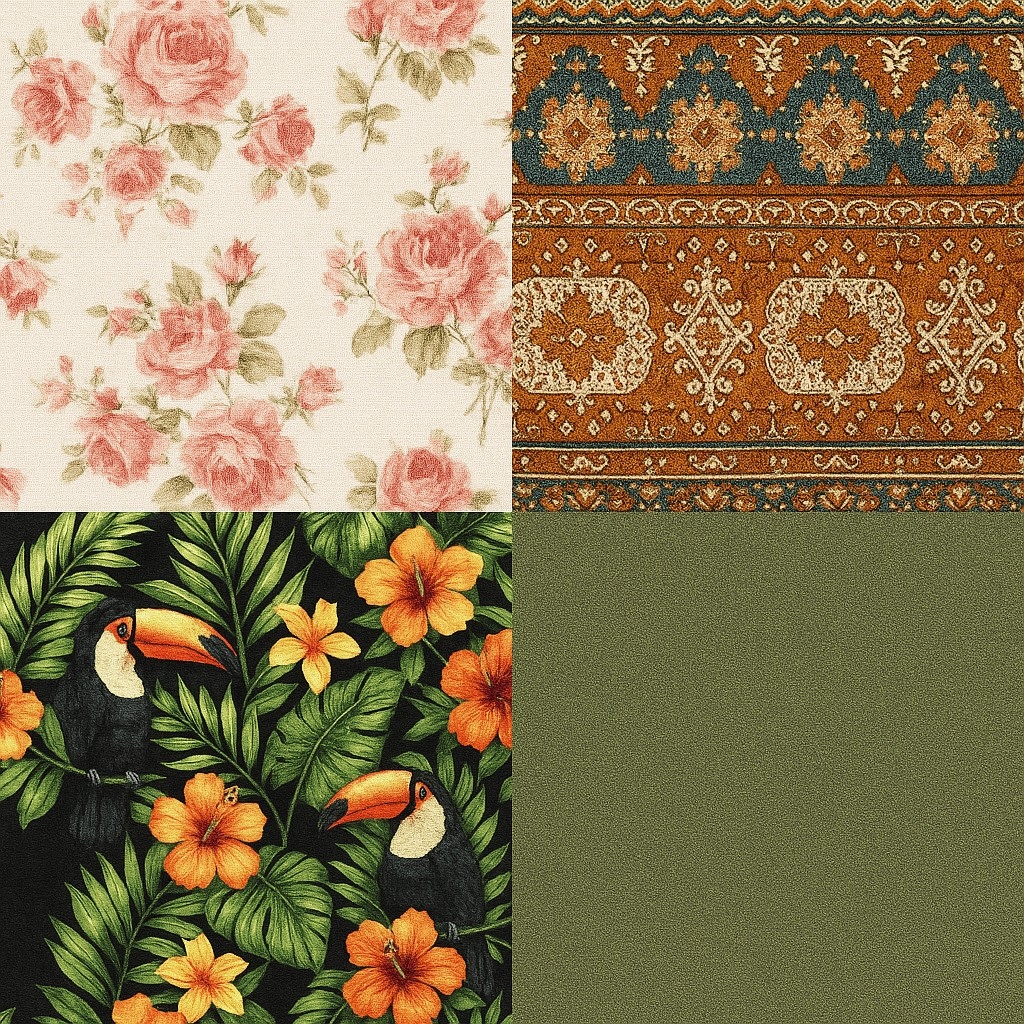
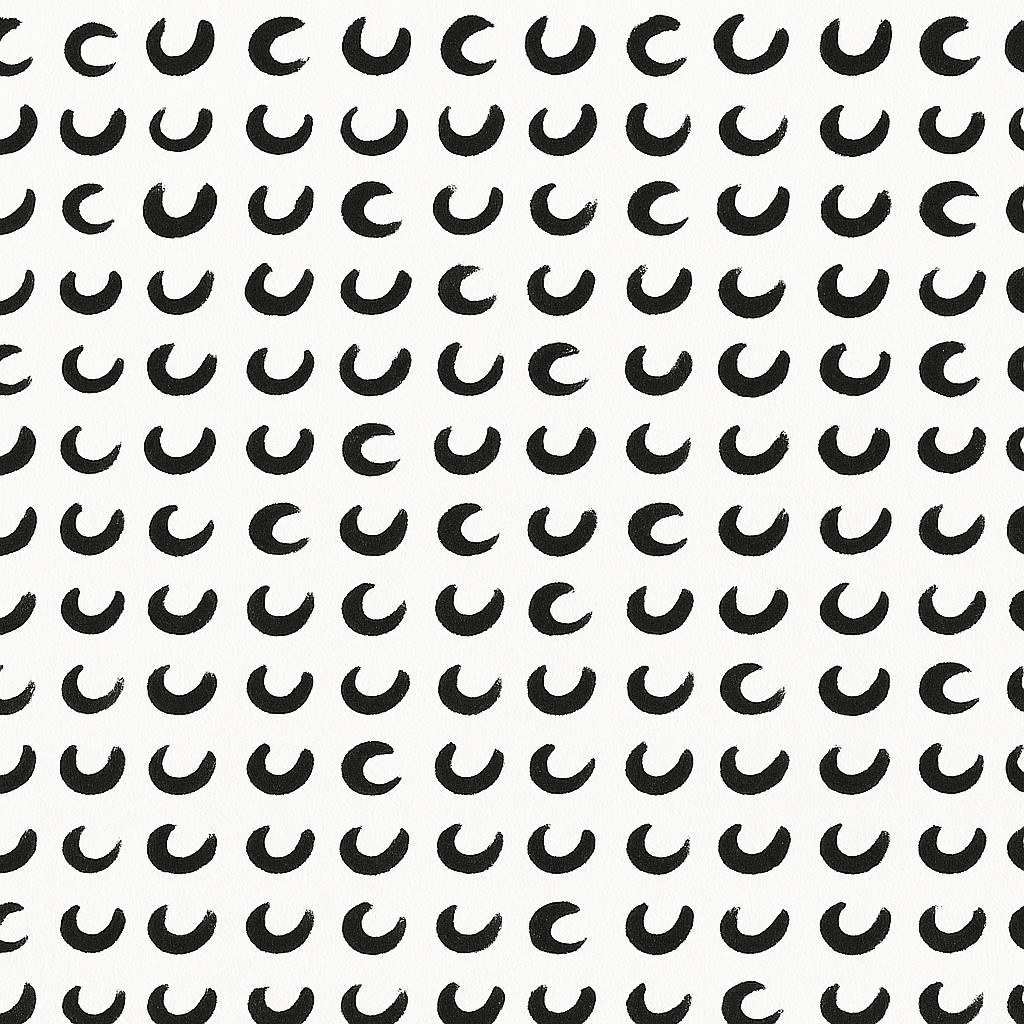
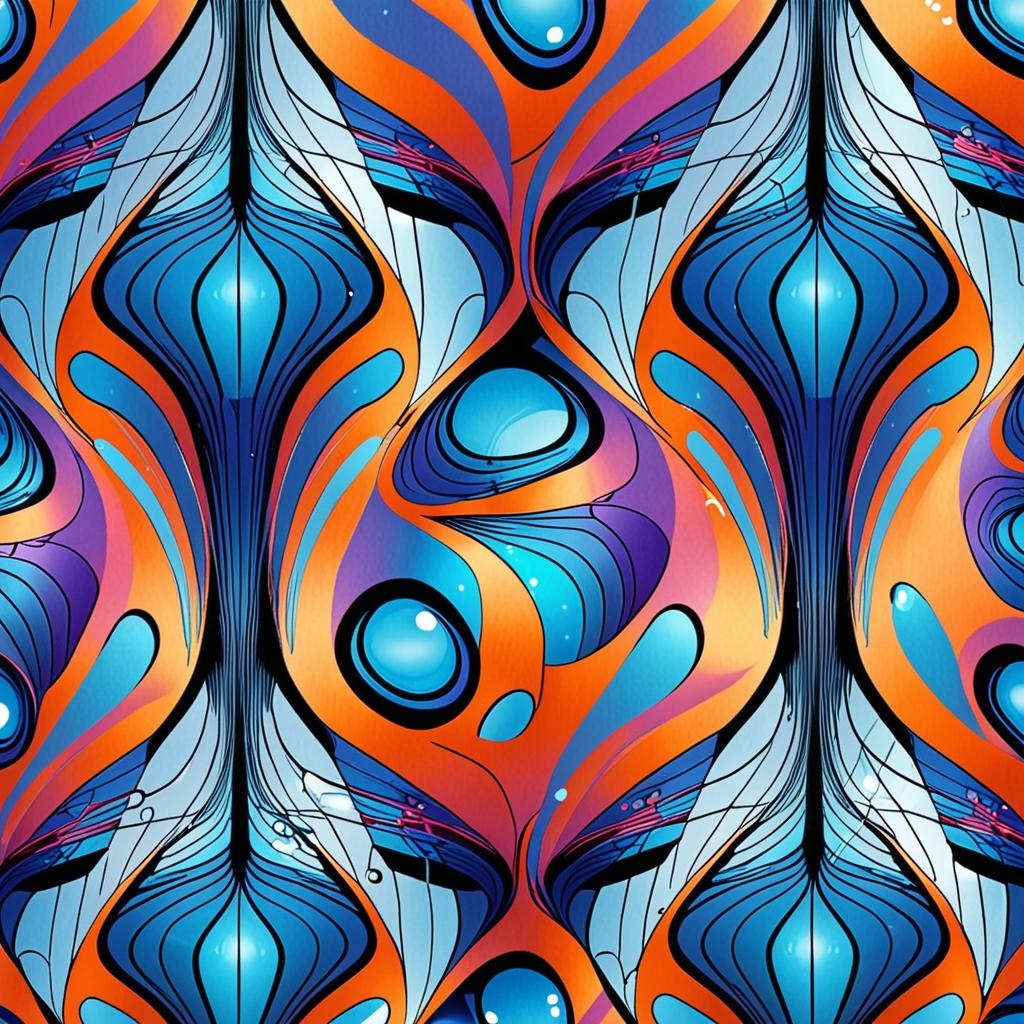
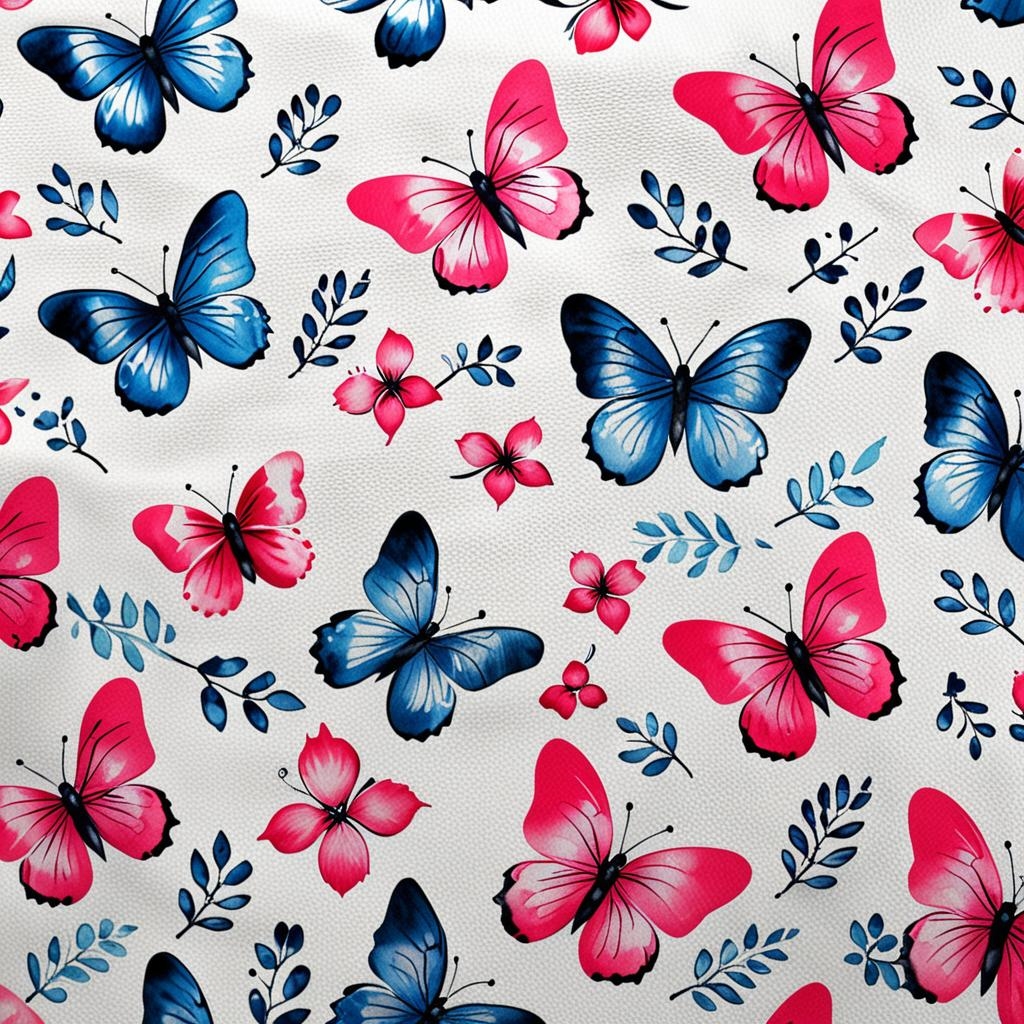
Above, the generated patterns were used to dress the models directly onto their garments. Applied to the different pieces, they allow for an immediate visualization of how the fabric will look in context, respecting the volumes, cuts, and aesthetic identity of each model.
Prompt used in AI-DESIGN
- Dress a garment model with this canvas.
- Can you give me a rectangular area of these fabrics
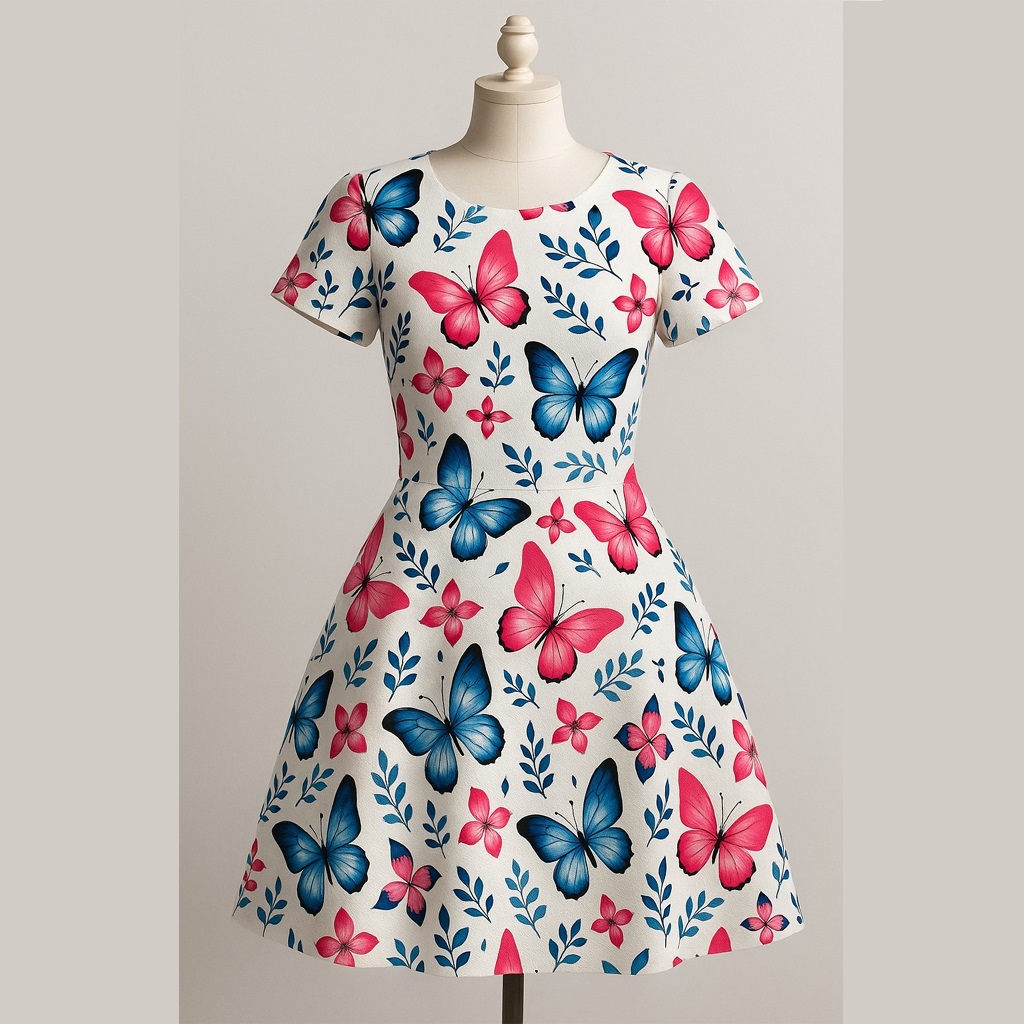
Prompt used
- Dress up a garment model with this canvas.
Prompt used
- Dress up a garment model with this canvas.
Prompt used
- Dress up a garment model with this canvas.
Prompt used
- Dress up a garment model with this canvas.